Crown Street, Wollongong, 2500

Top 10 Website Features Every NDIS Provider Should Have
Melody Jaimon • January 23, 2026
A family just found your website after searching for two hours. Their son needs support coordination urgently, and they're hoping you're the right fit.
They land on your homepage, and it looks professional enough. But as they scroll, frustration builds. They can't figure out if you serve their area. There's no clear way to book a consultation. The contact form asks for details they don't understand yet.
Within thirty seconds, they click back and try the next provider. You just lost them.
This happens dozens of times every week, and not because your services aren't good enough. It happens because your website doesn't make it easy for people to take the next step.
Here are the ten essential features your NDIS website needs.
1. Clear Service Information by NDIS Support Category
Families don't speak in industry jargon. They know their plan mentions "therapeutic supports" but don't always know what that means.
Translate NDIS categories into real services. Don't just list "Core Supports." Explain what that includes.
Use plain language. Instead of "capacity building supports," say "help to build your skills and independence."
When someone can quickly see you offer what their plan covers, they'll contact you.
2. Service Area Maps

"Do you cover my area?" is one of the first questions families ask. Don't make them email to find out.
A simple map showing your service regions answers this immediately. A Google Map with shaded areas works. Even a list of suburbs works. Just make it visible.
If you travel beyond your main area for certain services, say so. Being upfront about coverage saves everyone time.
3. Participant Referral Forms That Actually Work
Generic contact forms don't cut it for NDIS referrals. You need specific information.
A good NDIS referral form asks for the participant's NDIS number, plan management type, support categories, and goals.
Keep it simple but detailed enough that you can respond with relevant information.
Include a file upload option for NDIS plans or provider reports.
4. Accessibility Features Built In
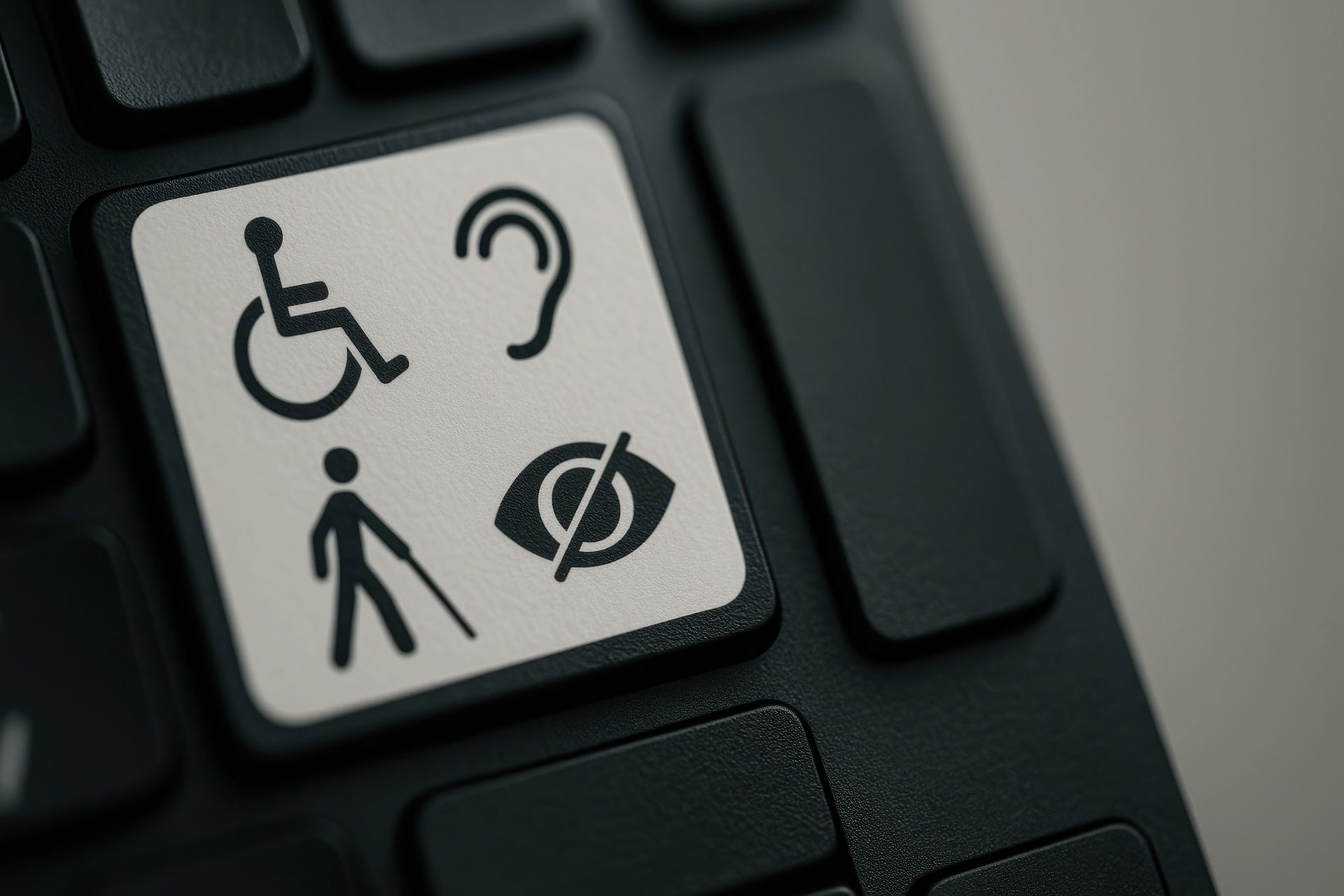
Your website serves people with disabilities. It needs to work for everyone.
Text needs sufficient colour contrast (4.5:1 minimum). All images need descriptive alt text. Your site must work with keyboard navigation for people who can't use a mouse.
Add a text size toggle so people can make content larger.
Meeting WCAG 2 AA standards shows participants you understand accessibility.
5. Pricing Transparency (Where Possible)
NDIS pricing is complicated. But you can still be more transparent than most providers.
If you charge NDIS price guide rates, say so. This immediately tells plan managers and self-managed participants what to expect.
If you charge above price guide rates, explain why. Many participants appreciate the honesty.
You don't need to list every possible service combination. But giving people a starting point helps them decide if they should enquire.
6. Team Profiles That Build Trust
Families are choosing who will support them. They want to know who you are.
Use real photos of your actual team. Stock photos undermine trust. Include real qualifications and experience.
Add personal touches where appropriate. These details help families connect with your team.
7. Secure Payment Gateway Integration

Many participants manage their own funding or use plan managers who require online payments.
Integration with payment systems that handle NDIS-specific requirements saves hassle. Direct claiming through the NDIS portal. Correct invoicing. Proper receipt generation.
Your payment system needs SSL certificates and proper encryption for security.
Integrate with your practice management software so participants can book, pay, and access records in one place.
8. Resource Library for Participants and Families
Families navigating the NDIS need help. Your website can provide it.
Create downloadable resources, NDIS terminology guides, plan review checklists, and tips for support sessions.
Organise resources by topic. This positions you as helpful before families engage your services.
Keep resources simple. One-page PDFs work best.
9. Booking System or Calendar Integration
"Email us to book" creates unnecessary back-and-forth: you suggest times, they're not available, they counter with alternatives, and three days pass before you finally find a time that works.
A booking system shows your availability upfront, allowing participants to choose a time that suits them while confirmation happens automatically. This doesn't need to be complicated. Simple calendar integration with time slots works perfectly fine.
For providers with multiple team members, this becomes even more valuable. Families can see which therapist or support worker has availability and book directly with the person they prefer.
10. Mobile-Responsive Design
Over 60% of web traffic comes from mobile devices. If your website doesn't work properly on phones, you're losing more than half your potential participants.
Responsive NDIS web design means your site adapts to smaller screens automatically. Text remains readable, buttons are large enough to tap easily, and forms work without frustration.
Test your website on actual phones and tablets. Use real devices to see how it performs.
Page load speed matters more on mobile. Optimise everything for speed.
Making These Features Work Together
These features work together to create an experience that helps families connect with you.
Clear service information gets people interested. Service area maps confirm you're an option. Referral forms capture details. Accessibility features mean everyone can use your site. Pricing transparency reduces uncertainty. Team profiles build trust. Payment systems make engagement easy. Resources demonstrate expertise. Booking systems remove friction. And mobile design makes it work everywhere.
When these elements work together, families stop bouncing away. They fill in forms. Your phone rings with qualified enquiries from people who need what you offer.
Ready to Build a Website That Actually Works?
If your current website is missing these features, you're making it harder than it needs to be.
At Love My Online Marketing, we've built NDIS websites since 2013. We know which features generate referrals, which ones improve accessibility, and which technical elements make your day-to-day operations smoother.
We'll include everything your NDIS business needs: clear service pages, WCAG 2 AA accessibility features, referral forms designed for NDIS enquiries, team profiles that build trust, payment gateway integration, resource libraries, and booking systems that actually work.
Our founder's experience as an NDIS provider means we understand both what families are looking for and what you need to run your business efficiently.
Want to stop losing families to competitors with better websites? Get in touch today and we'll show you exactly how these features can work for your NDIS business.


Love My Online Marketing has 10+ Years of working alongside businesses and helping them grow. Discuss your options for online success from website Design and Development through to Google Marketing.
Do you want more traffic and business leads?
Love My Online Marketing is determined to make a business grow. Our only question is, will it be yours?