Crown Street, Wollongong, 2500

AI Tools That Turn Ideas into Pixel-Perfect Web UI
Melody Jaimon • August 7, 2025
There’s a new rhythm in the world of web UI, and it doesn’t start with grids, wireframes, or color palettes. It starts with a sentence.
Describe what you want: a landing page for your SaaS, a portfolio with a dark theme, an e-commerce layout with a minimalist vibe, and AI takes it from there. Within seconds, you're staring at a fully formed, visually stunning design that looks like a senior designer spent hours on it.
This isn’t the future of design. It's now.
From idea to pixel-perfect UI, AI tools are making the creative process faster, smarter, and wildly more accessible. Whether you’re a founder looking to launch in a weekend, a designer chasing flow, or a dev who just wants usable layouts, these tools give you back your time and deliver breathtaking results.
Here are 15+ of the most powerful AI tools redefining how web UI gets done.
1. Rocket.new – From Thought to Code in Seconds
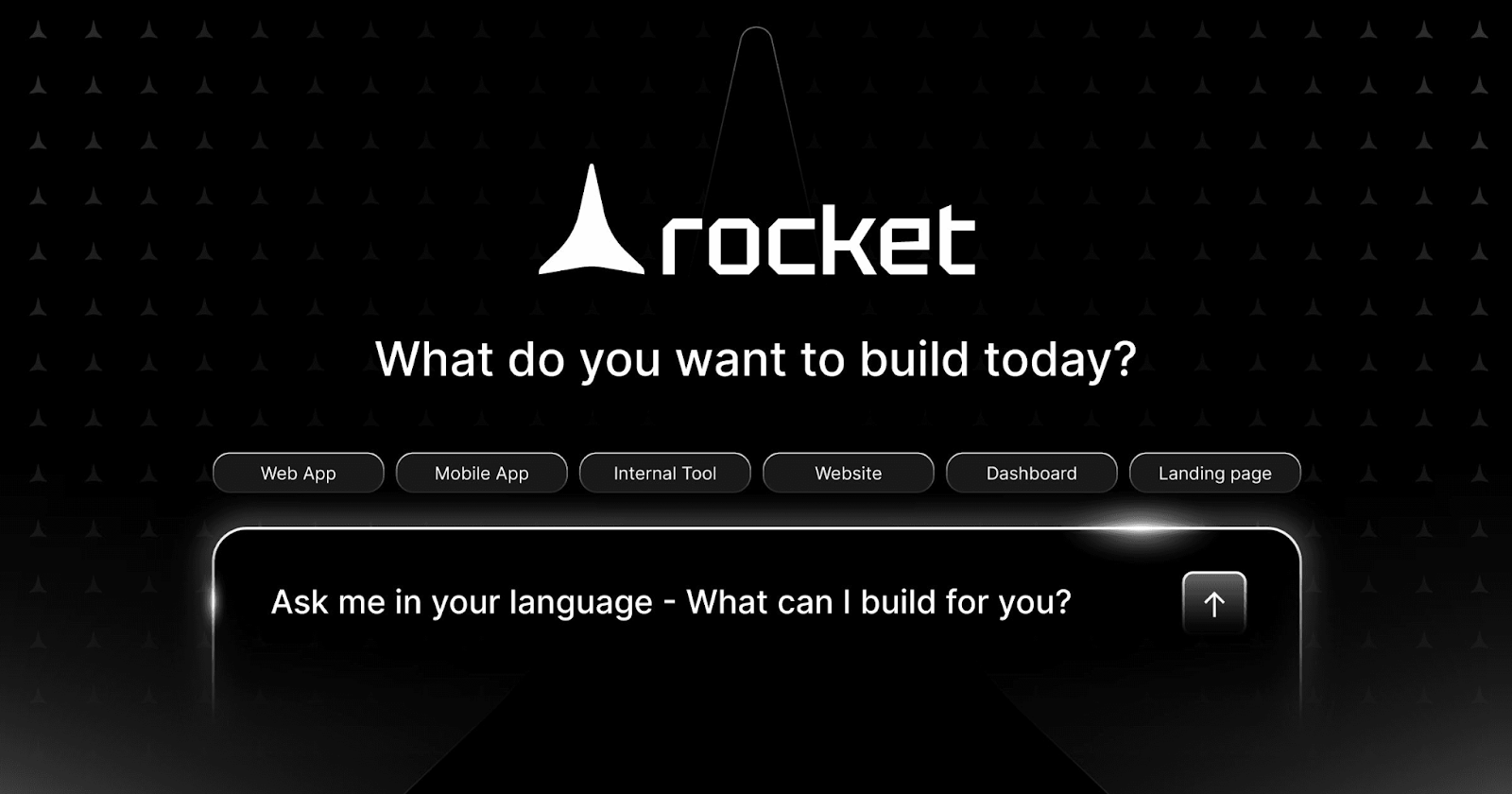
Rocket.new, built by the DhiWise team, is the fastest route from idea to deployable frontend. It’s a full-stack design-to-code platform that doesn’t just prototype. It also delivers production-ready code in frameworks like Next.js, React, Flutter, and HTML.
You can upload a Figma file or simply type your UI idea in plain English. Rocket.new reads your intent and spits out usable, clean, and beautifully structured code. It also introduces Vibe Coding, making sure your code doesn’t just work but also feels good to read.
What makes Rocket.new stand out:
- Supports Figma to Flutter, React, Next.js, HTML
- Prompt-to-code with no templates
- Includes responsive styles, routes, and logic
- Vibe Coding keeps the output clean and developer-friendly
- Lightning fast. Perfect for rapid launches and iterations
If you think of ideas faster than you can build them, Rocket.new is your new creative partner.
2. Galileo AI – Prompt-Powered UI Genius
Galileo lets you design a fully-polished UI with just a prompt. Seriously, describe your app and it generates a clean, pixel-perfect interface you can export straight to Figma.
It’s especially useful for quickly mocking up ideas, pitching designs to clients, or skipping the blank canvas stage entirely.
Highlights:
- Fast UI generation from text prompts
- Polished designs with modern aesthetics
- Instant Figma export
- Smart layout and UX logic built-in
3. Uizard – From Sketches to Screens
Upload a hand-drawn wireframe, a screenshot, or write a prompt, Uizard translates it into a working digital design in seconds. Perfect for non-designers and product teams who want working prototypes without touching a design tool.
What makes it special:
- Sketch-to-screen conversion
- AI-generated themes and components
- Drag-and-drop editor
- Text-to-design capabilities
4. Genius by Diagram – AI Inside Figma
If you live in Figma, Genius is like a silent co-pilot. It reads your layout, fixes inconsistencies, suggests components, and even generates sections based on what you're building.
Best features:
- Lives directly inside Figma
- Smart auto-layout suggestions
- Prompts to generate UI blocks
- Great for design pros looking to move faster
5. Framer AI – Type It, Launch It
Framer AI lets you build fully interactive websites with nothing but text. Describe the layout you want, and it generates a live, hosted site with animations, components, and responsive design.
Why it’s popular:
- Instant live website generation
- Beautiful design defaults
- No-code editor for easy tweaks
- Hosting and analytics included
Perfect for creators, marketers, and startups looking to test quickly.
6. Penpot AI – Open Source, Designer-Friendly
Penpot is the world’s first open-source design and prototyping platform, and it’s getting an AI upgrade. Designed for cross-functional teams and developers who value transparency and openness, Penpot AI brings layout suggestions, component generation, and team collaboration to the table.
7. Visily – AI for Product Teams
Visily is great for teams that don’t have in-house designers. You can generate UI mockups from screenshots, prompts, or even ideas scribbled on a whiteboard.
Features include:
- Easy prototyping from text
- Collaboration tools for teams
- Export to Figma for advanced editing
8. Webflow AI – Design Meets Logic
Already beloved by designers for its no-code builder, Webflow now includes AI tools to help with layout generation, content structuring, and even SEO optimisation.
What’s new:
- AI layout suggestions
- Auto-generated page structures
- Integrated CMS and SEO guidance
Ideal for designers who want to stay in control while working faster.
9. Wix ADI (Artificial Design Intelligence)
Wix’s ADI has evolved. You provide a few business details, and it builds an entire website. Pages, layouts, copy, and media included.
Great for:
- Small businesses
- One-person operations
- Getting a quick online presence without hiring anyone
10. Durable – Website Builder for Solopreneurs
You type your business name, choose a category, and Durable builds your entire website within 30 seconds. It even writes your copy, headlines, and meta tags.
Why people love it:
- One-click website generation
- AI-powered CRM, SEO, and email tools
- Built-in hosting and lead generation
11. TeleportHQ – UI to Code, AI Included
TeleportHQ lets you design in a visual editor or upload UI code or images and get clean HTML/CSS/React code back. It’s especially powerful for dev teams that want to bridge UI and code effortlessly.
12. Relume Library + AI
Relume pairs a component library with AI to help you generate full website layouts. Describe your page, get layout suggestions, and assemble it using reusable building blocks, then export to Webflow or Figma.
13. Dora AI – Next-Gen 3D Web Creation
Dora AI focuses on web experiences that are rich, interactive, and even 3D. Its AI helps generate complex layouts and animations that would typically take hours to code.
14. Builder.io + AI Copilot
Builder.io merges headless CMS with visual editing, and now includes AI features to generate content blocks, components, and even A/B test suggestions using real data.
15. Zyro AI Website Builder
From the team behind Hostinger, Zyro is a beginner-friendly builder that uses AI to create layouts, write content, and optimise pages. Simple, fast, and ideal for small businesses on a budget.
The Real Shift: From Blank Screens to Fluid Creation
What we’re seeing isn’t just better design tooling. It’s a whole new way of working.
You no longer need to master Figma, know CSS, or wait on dev sprints. With tools like Rocket.new, Framer, Galileo, and Uizard, creativity becomes more like conversation: you speak (or type), and the design responds.
That means more people can build. More ideas see the light of day. And your next big idea? It doesn’t have to live in your notebook anymore.
All it needs is a few words and the right tool.


Love My Online Marketing has 10+ Years of working alongside businesses and helping them grow. Discuss your options for online success from website Design and Development through to Google Marketing.
Do you want more traffic and business leads?
Love My Online Marketing is determined to make a business grow. Our only question is, will it be yours?